
Facebook X-twitter Youtube Reddit Pinterest
  • Bharat
  • Crime
  • History
  • Politics
  • Real Estate
    • World
  • Job
Reading: How to Fix the err_ssl_protocol_error: A Comprehensive Guide
Share
bharatinformation logo bharatinformation logo
  • News
    • Politics
    • Real Estate
    • Crime
    • History
  • Bharat
    • Education
    • Health
    • Travel
  • Business
    • Crypto
    • Community
    • Law
  • Entertainment
    • Actor
    • Cricket Players
    • Director
    • news anchor
    • singer
    • Tv Show
    • singer
  • Fashion
    • lifestyle
    • Shopping
    • Beauty
  • Game
    • Casino
    • Sports
    • Cricket
  • Technology
    • Software
  • Blogs
Reading: How to Fix the err_ssl_protocol_error: A Comprehensive Guide
Share
Bharat InformationBharat Information
Aa
Search
Have an existing account? Sign In
Follow US
© 2022 Foxiz News Network. Ruby Design Company. All Rights Reserved.
Bharat Information > Blog > Blog > How to Fix the err_ssl_protocol_error: A Comprehensive Guide
BlogTechnology

How to Fix the err_ssl_protocol_error: A Comprehensive Guide

Bharat Information
Last updated: 2026/04/01 at 9:02 AM
Bharat Information
Share
err_ssl_protocol_error
SHARE

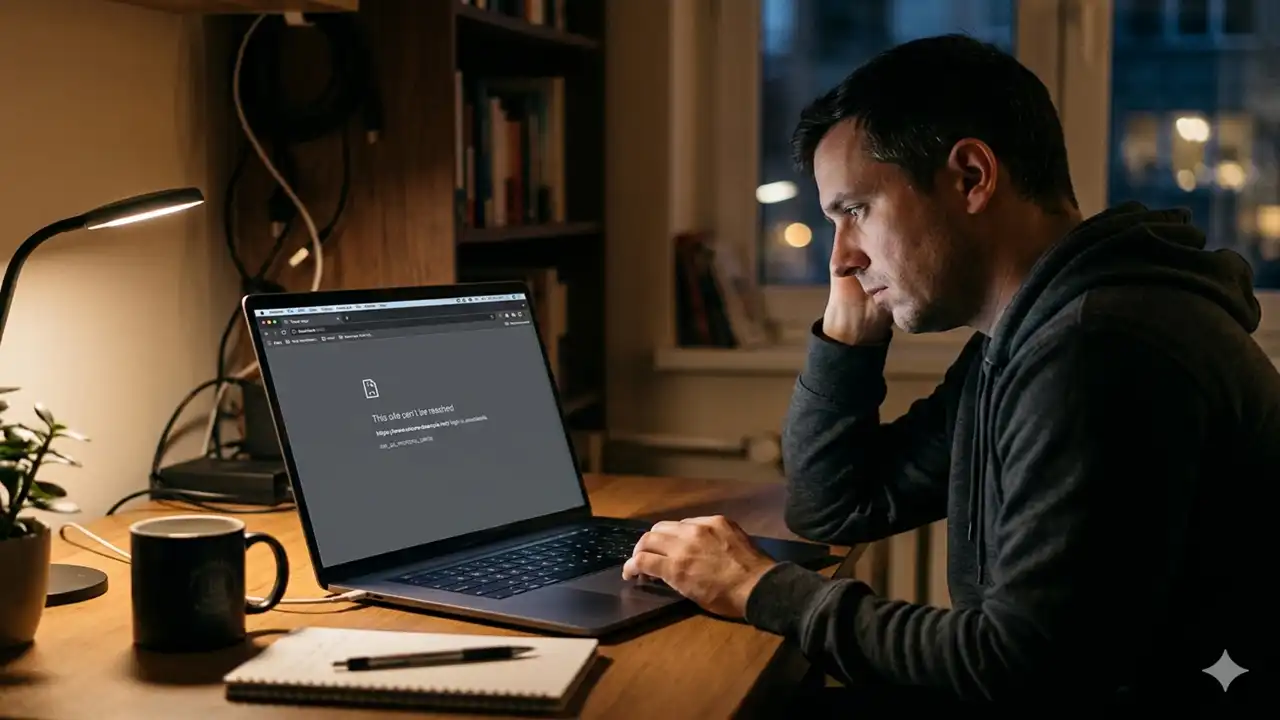
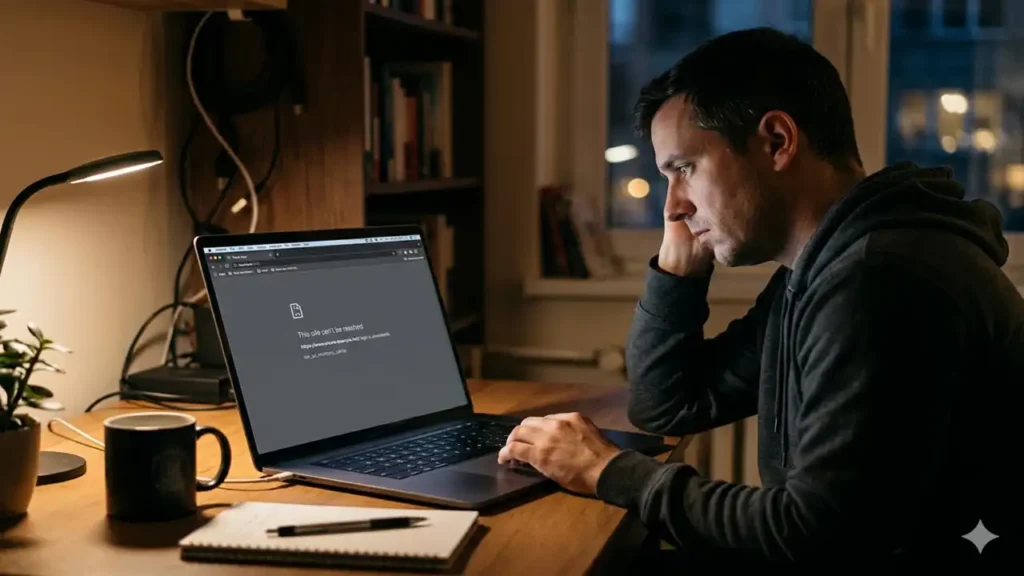
Few things are more frustrating than trying to access a website only to be met with a cryptic white screen and the message: err_ssl_protocol_error. Whether you are trying to finish some online shopping or researching for a project, this error brings your productivity to a screeching halt.

Contents
What Exactly is the err_ssl_protocol_error?1. Check Your System Date and Time2. Clear Your Browser Cache and SSL State3. Disable Problematic Browser Extensions4. Adjust Your Antivirus and Firewall Settings5. Update Your Browser and Operating System6. Disable QUIC ProtocolFAQ: Frequently Asked QuestionsWhy does the err_ssl_protocol_error only happen on one website?Is it safe to bypass an SSL error?Does a VPN cause the err_ssl_protocol_error?Final

The good news? Despite its technical-sounding name, the err_ssl_protocol_error is rarely a sign of a catastrophic failure. Usually, it’s just a “handshake” problem between your browser and the web server. In this guide, we will break down exactly why this happens and provide you with actionable steps to clear the error and get back online.

What Exactly is the err_ssl_protocol_error?

At its core, this error indicates that your browser cannot establish a secure connection with the website’s server. When you visit a site starting with https://, your browser and the server perform an “SSL handshake” to encrypt your data. If something interrupts this process—be it an incorrect date on your computer or an outdated browser setting the err_ssl_protocol_error appears to protect your privacy.

1. Check Your System Date and Time

It might sound overly simple, but the most common culprit behind the err_ssl_protocol_error is an incorrect system clock. SSL certificates have a specific validity period. If your computer thinks it’s 2015 or 2030, it will see a perfectly valid certificate as “expired” or “not yet active.”

  • Windows: Right-click the clock in your taskbar > Adjust date/time > Toggle “Set time automatically.”
  • Mac: System Settings > General > Date & Time > Ensure “Set date and time automatically” is on.
View this post on Instagram

A post shared by Atholton News (@atholtonnews)

GTD Book: Mastering Productivity with David Allen’s Method

2. Clear Your Browser Cache and SSL State

Sometimes, your browser “remembers” a bad connection attempt and keeps serving you the same error page. Clearing the “SSL State” is a specific way to refresh how your computer handles security certificates.

  • To clear the SSL State (Windows): Search for “Internet Options” in your Start menu. Go to the Content tab and click Clear SSL State.
  • To clear Browser Cache: In Chrome or Edge, press Ctrl + Shift + Del and clear your browsing history and cached images/files. This often resolves the err_ssl_protocol_error by forcing the browser to attempt a fresh handshake.

3. Disable Problematic Browser Extensions

Extensions are great for productivity, but they can occasionally interfere with how your browser interprets security protocols. Ad-blockers or VPN extensions are frequent offenders.

To test this, open your browser in Incognito/Private Mode. If the website loads without the err_ssl_protocol_error, one of your extensions is likely to blame. Turn them off one by one until you find the source of the conflict.
err_ssl_protocol_error

4. Adjust Your Antivirus and Firewall Settings

Your security software is designed to protect you, but sometimes it can be a bit too aggressive. Some antivirus programs scan encrypted (SSL) traffic. If the software finds something it doesn’t like even if it’s a false positive it will trigger the err_ssl_protocol_error.

Pro Tip: Try temporarily disabling “SSL Scanning” or “HTTPS Inspection” in your antivirus settings. If the site loads, you may need to update your security software or add the website to your “whitelist.”

5. Update Your Browser and Operating System

Security protocols like TLS (Transport Layer Security) are constantly evolving to stay ahead of hackers. If you are using an outdated version of Chrome, Firefox, or Safari, your browser might lack the modern protocols required by the server. Updating your software ensures you have the latest patches to bypass the err_ssl_protocol_error and stay secure.

6. Disable QUIC Protocol

QUIC is a Google experimental protocol designed to make the web faster, but it sometimes clashes with SSL certificates on certain servers.

  1. Open Chrome and type chrome://flags/#enable-quic in the address bar.
  2. Find Experimental QUIC protocol.
  3. Change the setting to Disabled.
  4. Relaunch your browser to see if the err_ssl_protocol_error has vanished.

How to Fix the err_ssl_protocol_error: A Comprehensive Guidehttps://t.co/O4zgjjBVXy#instagram#instagood#photography#love#viral@instagram @NatGeoTravel @nike@cristiano@KylieJenner pic.twitter.com/iYKfIkUS0k

— Atholton News (@atholtonnews55) April 1, 2026

FAQ: Frequently Asked Questions

Why does the err_ssl_protocol_error only happen on one website?

If the error is isolated to a single site, the problem likely lies with the website’s server (such as an expired SSL certificate) rather than your computer. In this case, there is little you can do but wait for the site owner to fix it.

TamilMV Proxy: Why This Trend Is Changing Piracy in 2026

Is it safe to bypass an SSL error?

Generally, no. An SSL error means your connection isn’t encrypted, making your data vulnerable to “man-in-the-middle” attacks. However, if you are certain the error is caused by your local settings (like an incorrect clock), fixing those settings is safe.

Does a VPN cause the err_ssl_protocol_error?

Yes, some VPNs use their own encryption layers that can conflict with a website’s SSL. If you encounter the err_ssl_protocol_error while your VPN is active, try disconnecting and refreshing the page.

Final

Dealing with the err_ssl_protocol_error is a rite of passage for many internet users. By following the steps above checking your clock, clearing your SSL state, and managing your extensions you can usually resolve the issue in under five minutes.


Subscribe to Our Newsletter

Subscribe to our newsletter to get our newest articles instantly!

[mc4wp_form]
TAGGED: err_ssl_protocol_error, SSL
Share This Article
Twitter Email Copy Link Print
Previous Article TamilMV Proxy: Why This Trend Is Changing Piracy in 2026 TamilMV Proxy: Why This Trend Is Changing Piracy in 2026
Next Article three teachers share 2 packs of paper equally Three Teachers Share 2 Packs of Paper Equally: A Simple Guide to Fractions in the Classroom
Leave a comment

Leave a Reply Cancel reply

Your email address will not be published. Required fields are marked *

Latest Post

sso id login Rajasthan
sso id login Rajasthan: The Real Reason for Today’s Service Disruptions
Blog
self development and art appreciation std 10 chapter 1
Self Development and Art Appreciation Std 10 Chapter 1: Why It’s Trending
Blog
bangladesh women vs india women's national cricket team match scorecard
India Whitewashes Bangladesh: The Final 5-0 Scorecard
Cricket
9th class maths question paper 2018 to 2019
9th Class Maths Paper 2018-19: Download Key Questions
Blog
How to Convert DOCX Files to Video
How to Convert DOCX Files to Video: A Simple Guide for Content Creators
Entertainment
BBA Career Opportunities
Why Students Prefer BBA After 12th for Career Growth and Opportunities
Education
Jameliz Benitez Smith Vintage Car
Jameliz Benitez Smith Vintage Car: New Details Revealed
Bharat Auto Entertainment World
india vs australia world cup 2023
India Vs Australia World Cup 2023 Reshaped ODI Cricket
Sports Cricket
vidarbha cricket team vs mumbai cricket team match scorecard
Vidarbha Cricket Team Vs Mumbai Cricket Team Match Scorecard
Cricket Sports
Google Server Error April 2026
How to Resolve a Google Server Error April 2026: A Complete Troubleshooting Guide
Bharat News Technology

Atholton News

MidWest Precast contractor

Considering Apple

You Might Also Like

sso id login Rajasthan
Blog

sso id login Rajasthan: The Real Reason for Today’s Service Disruptions

Users across the state are reporting significant issues with the sso id login Rajasthan portal, the digital backbone for more…

6 Min Read
self development and art appreciation std 10 chapter 1
Blog

Self Development and Art Appreciation Std 10 Chapter 1: Why It’s Trending

A surprising keyword is capturing the attention of students and educators today: self development and art appreciation std 10 chapter…

6 Min Read
9th class maths question paper 2018 to 2019
Blog

9th Class Maths Paper 2018-19: Download Key Questions

A recent surge in search traffic reveals that students are actively seeking the 9th class maths question paper 2018 to…

5 Min Read
Google Server Error April 2026
BharatNewsTechnology

How to Resolve a Google Server Error April 2026: A Complete Troubleshooting Guide

If you are facing Google Server Error or 500 Internal Server Error in Google Search which is also called Google…

10 Min Read
bharatinformation logo bharatinformation logo

Welcome to Bharat Information, your ultimate guide to explore the diverse and vibrant regions of India. Our mission is to provide complete and insightful information about the best Education, History, Sports, Community, Entertainment, travel, destinations, cultural experiences and hidden gems from across the country.

News

  • Politics
  • Real Estate
  • Crime
  • Crypto
  • Sports
  • World

Technology

  • Software
  • Game
  • Auto
  • Business
  • Sports
  • Cricket
  • Travel

Entertainment

  • Movies
  • Actor
  • Cricket Players
  • Director
  • news anchor
  • singer
  • Tv Show

Lifestyle

  • Beauty
  • Fashion
  • Health
  • Shopping
  • lifestyle

More

  • Blog
  • Community
  • Education
  • Job
  • Law
  • singer

Pages

  • About Us
  • Contact Us
  • Disclaimer
  • Privacy Policy

Follow Us

Facebook X-twitter Pinterest Instagram

© Bharat Information Network. All Rights Reserved.

Welcome Back!

Sign in to your account

Lost your password?

